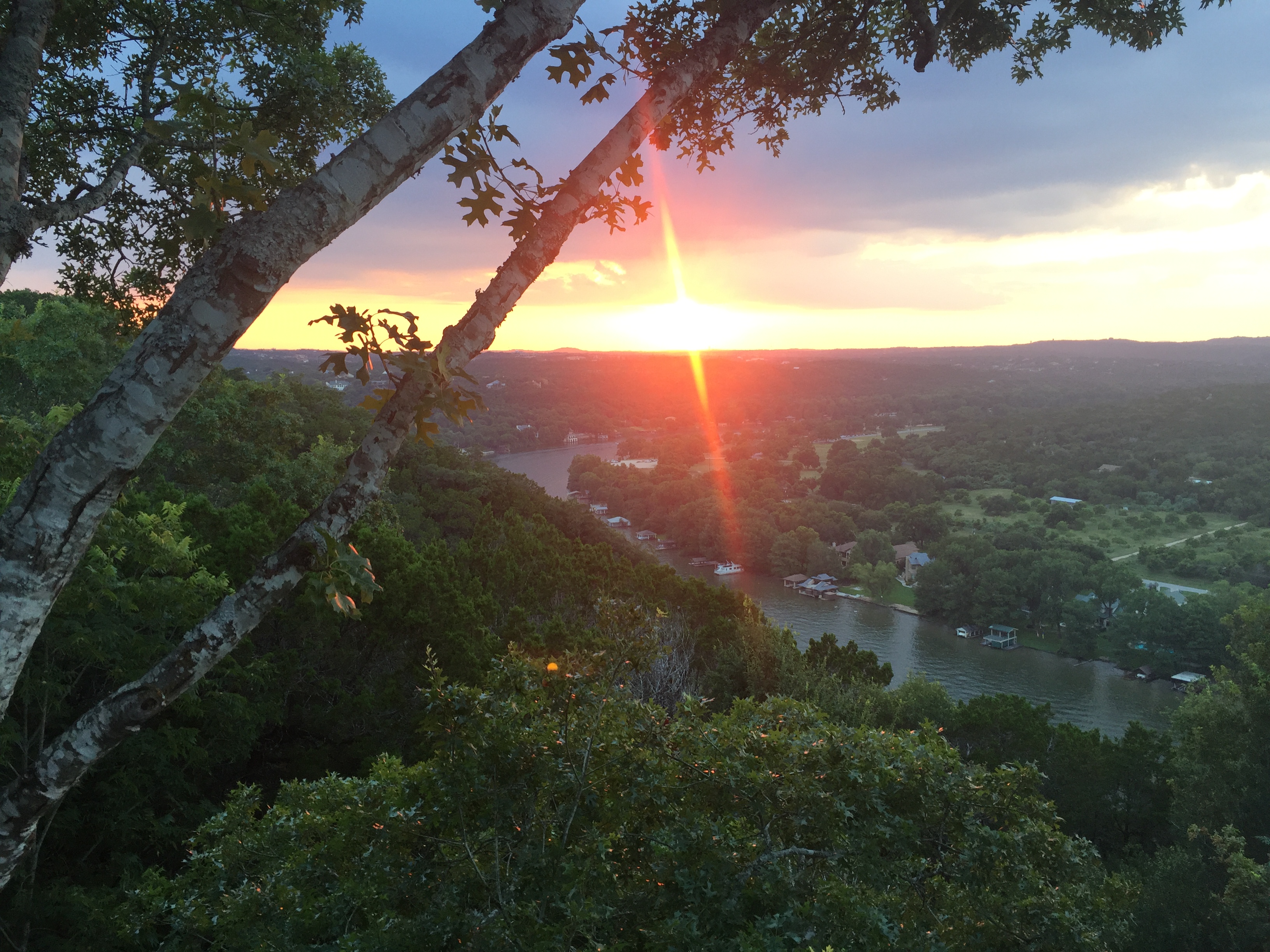
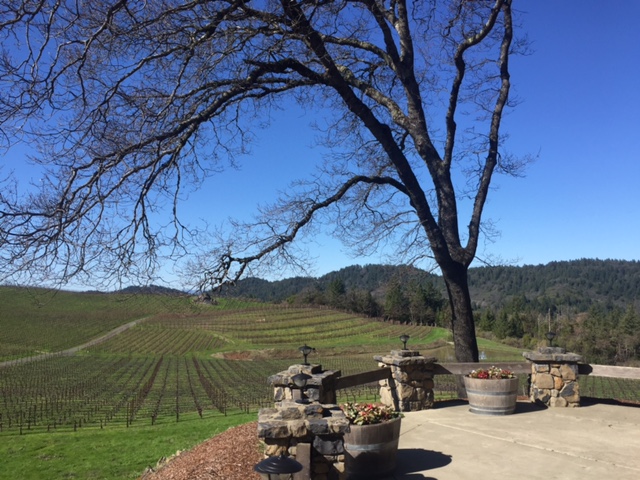
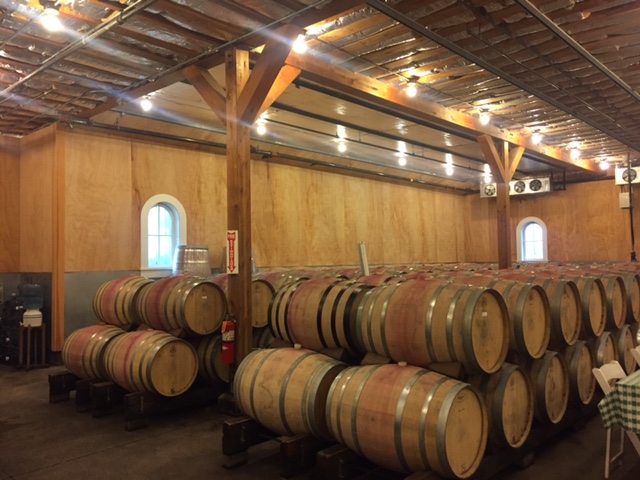
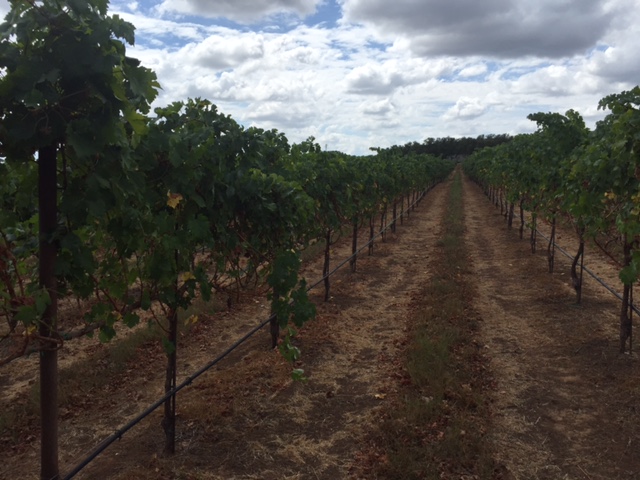
The above is a picture of Lake Austin, showing City Park at sunset.
Project Steps
These are the steps I took in order to create the webpage.
- I signed up for a
Udemy
class called "The Complete Web Developer Course 2.0" by Rob Percival
- I decided to try to create a 'responsive' website and thus chose to use
Bootstrap.
Note that I chose version 4.0, which is an alpha version.
- I used a
starter template
that gives a links to the bootstrap stylesheet, jQuery, Tether and Bootstrap JS.
- I created a
simple NavBar
and modified the items and links to suit my needs.
- I inserted a picture that I liked. The picture scales when you try to resize the window. Try it!
- Next, I created a container for the
Hikes,
and added the links and pictures for the various hikes.
- I repeated the process for
Wineries.
- Finally, I found a way to launch Google search from the search bar. This was done with a small snippet of
javascript code.
Favorite Hikes in Austin, TX
Favorite Wineries